
Air-gapped CDR
Bring a file in on USB. Take a rebuilt file out. The machine never joins the network.
Trustity Steel Core is a dedicated appliance. An operator inserts a USB drive, chooses documents, images, or scripts, and the appliance copies them into memory. The source drive is removed before cleansing. Each file is rebuilt in its own format inside a disposable microVM, then written to a different USB together with a scan report. Programs are not copied.
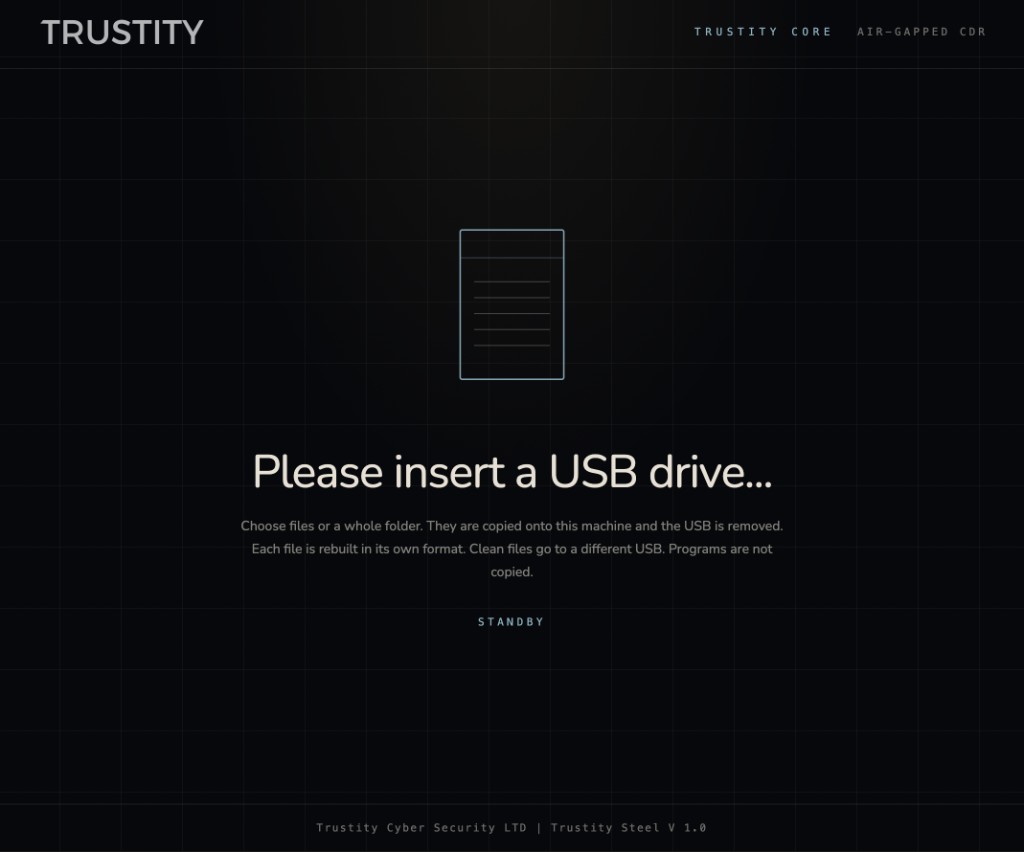
Waiting for a drive
The kiosk sits on standby until a USB drive is inserted. The operator can choose individual files or a whole folder. Those files are copied onto the machine, the USB is removed, and each file is rebuilt in its own format. Clean files go to a different USB. Programs are not copied.
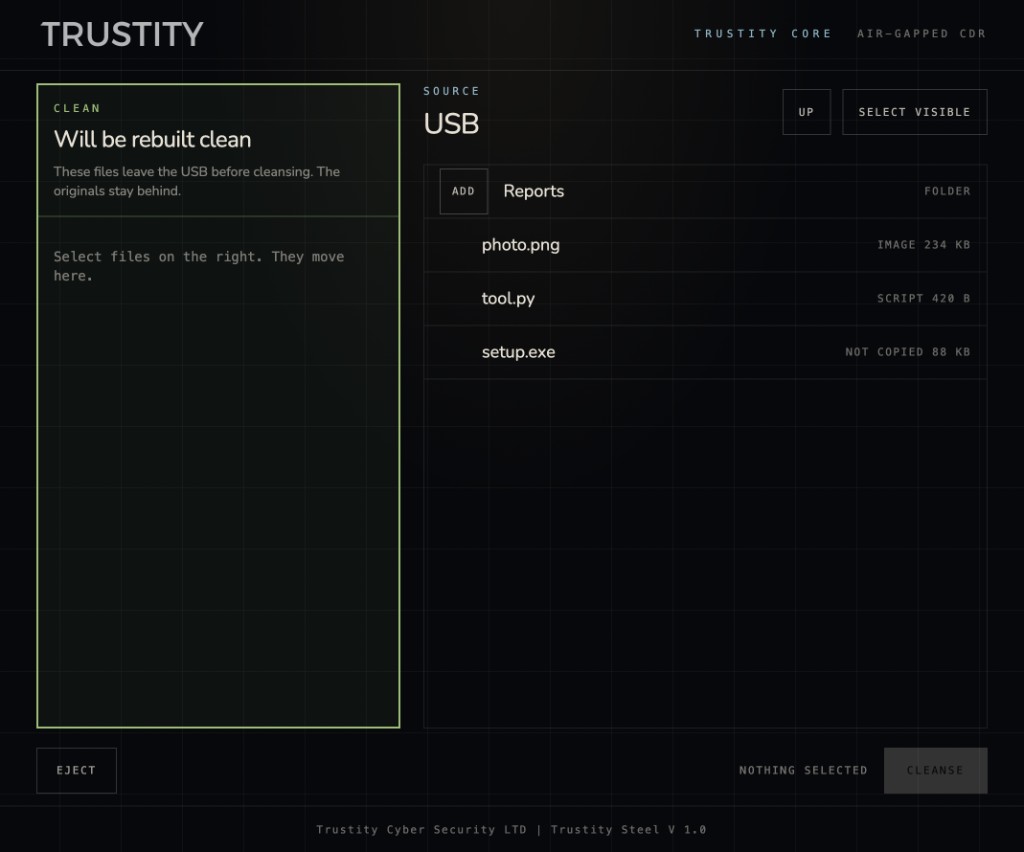
Choose what leaves clean
The source USB is on the right. Selected files move into the green pane on the left, where they will be rebuilt. A folder can be opened or queued. Images and scripts can be added. A program such as setup.exe stays on the right, marked not copied, with no way to add it. Cleansing stays disabled until something is selected.
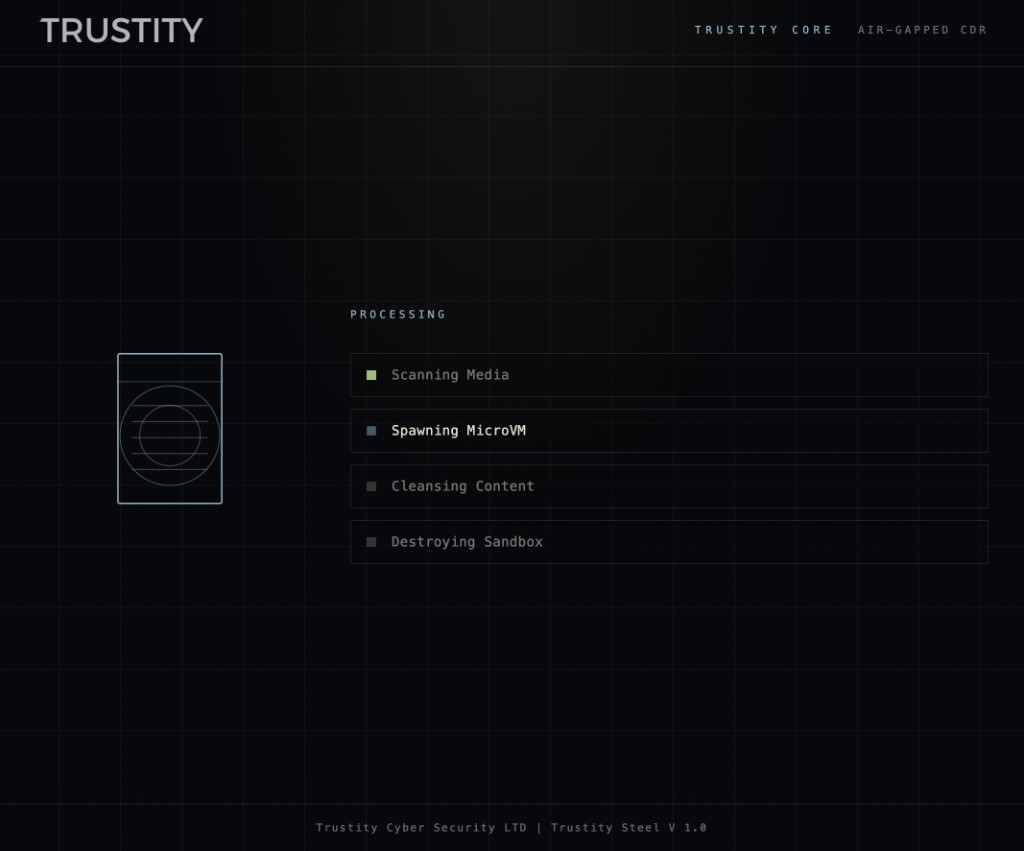
Rebuilt inside a microVM
After the source USB is disconnected, Steel scans the media, starts a microVM, cleanses the content, and destroys the sandbox. The microVM does not mount the USB drive and has no network connection. The host keeps the file in memory, receives the rebuilt file, and throws the sandbox away.
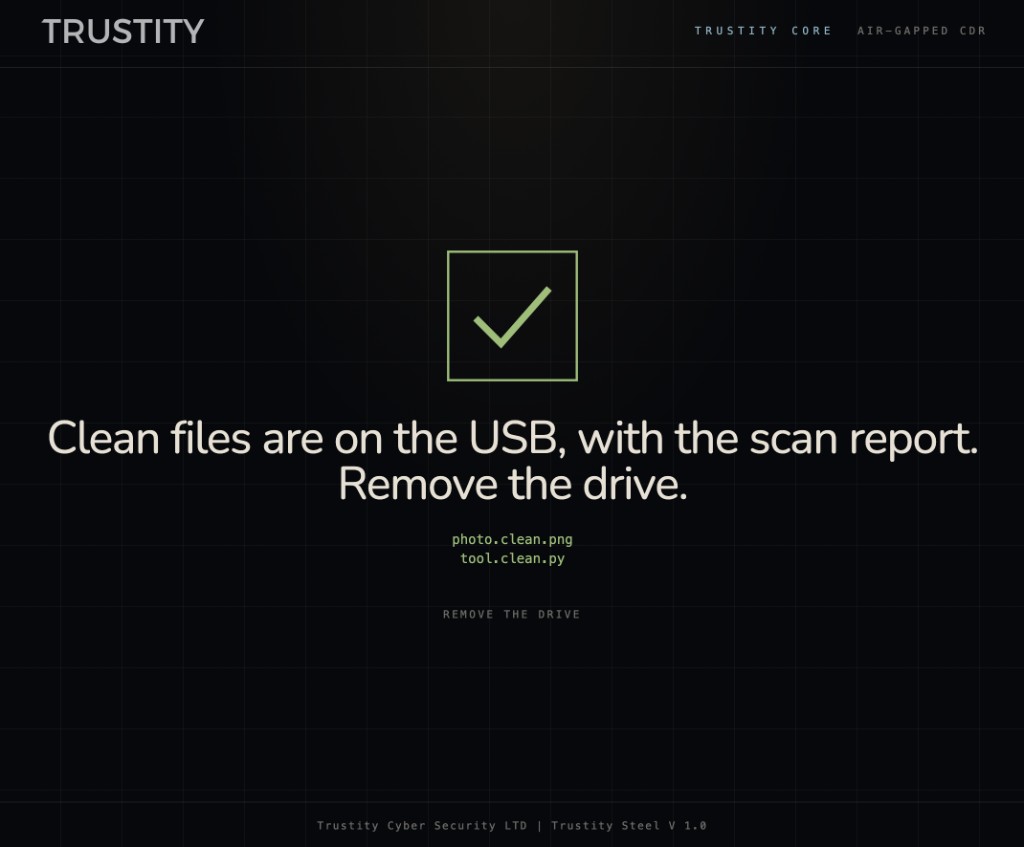
Clean files, then remove the drive
The clean USB holds the rebuilt files and the scan report. A photo stays a PNG. A script stays a Python file. The names are marked clean so they are not confused with the originals. The operator removes the drive. Copies do not remain on the appliance.
Trustity Steel V 1.0. The on-screen badge reads Trustity Core because this is the Core air-gapped CDR mode. Operator documentation is at trustity.co/kb/steel.
Book a demo and we will walk the USB path: insert, select, cleanse, remove. Documentation covers the same four screens.