
Overview
Trustity Steel Core is an air-gapped kiosk that rebuilds selected files in their own format and writes them to a different USB with a scan report.
Trustity Steel
Trustity Steel V 1.0 is a dedicated appliance for moving files across an air gap. The screen badge reads Trustity Core and Air-gapped CDR. Core is the mode operators use: files come in on USB, are rebuilt, and leave on a different drive.
Steel does not join a network to cleanse a file. It is not an antivirus product and it does not convert every file to PDF.
What the operator does
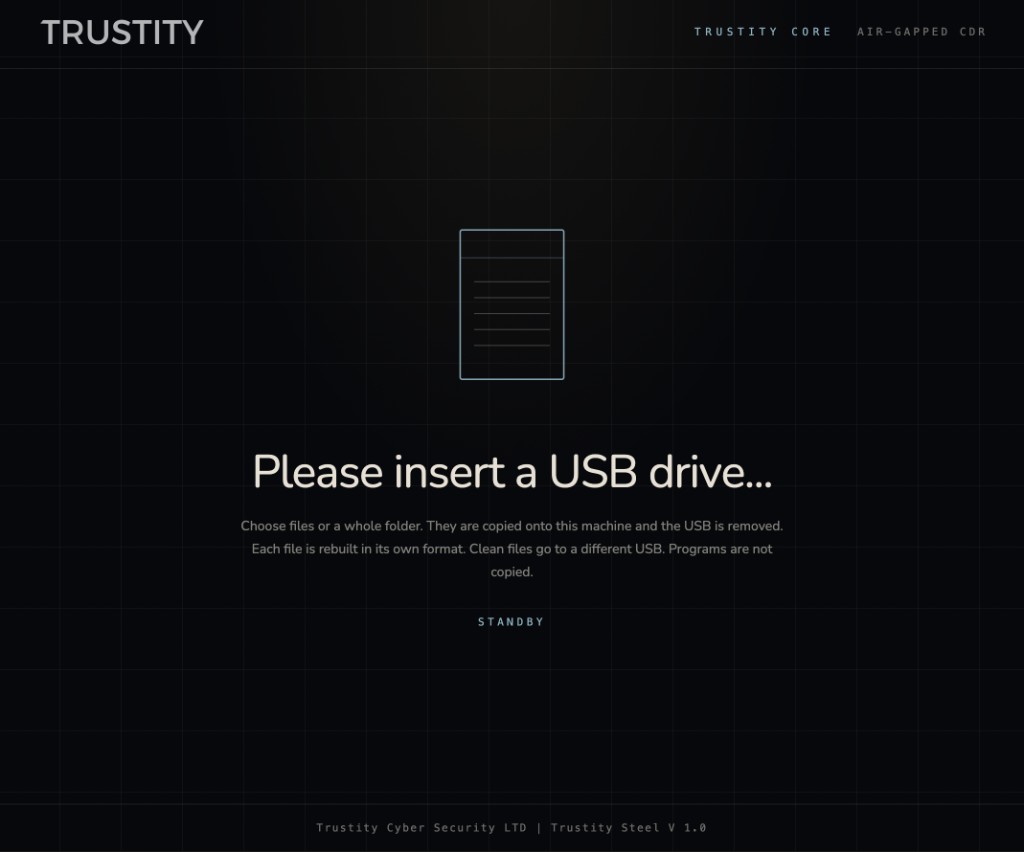
- Insert the source USB. The kiosk is waiting on this screen until a drive appears.
- Choose files or a folder. Selected items move into the green pane. They will be rebuilt clean. The originals stay on the source USB.
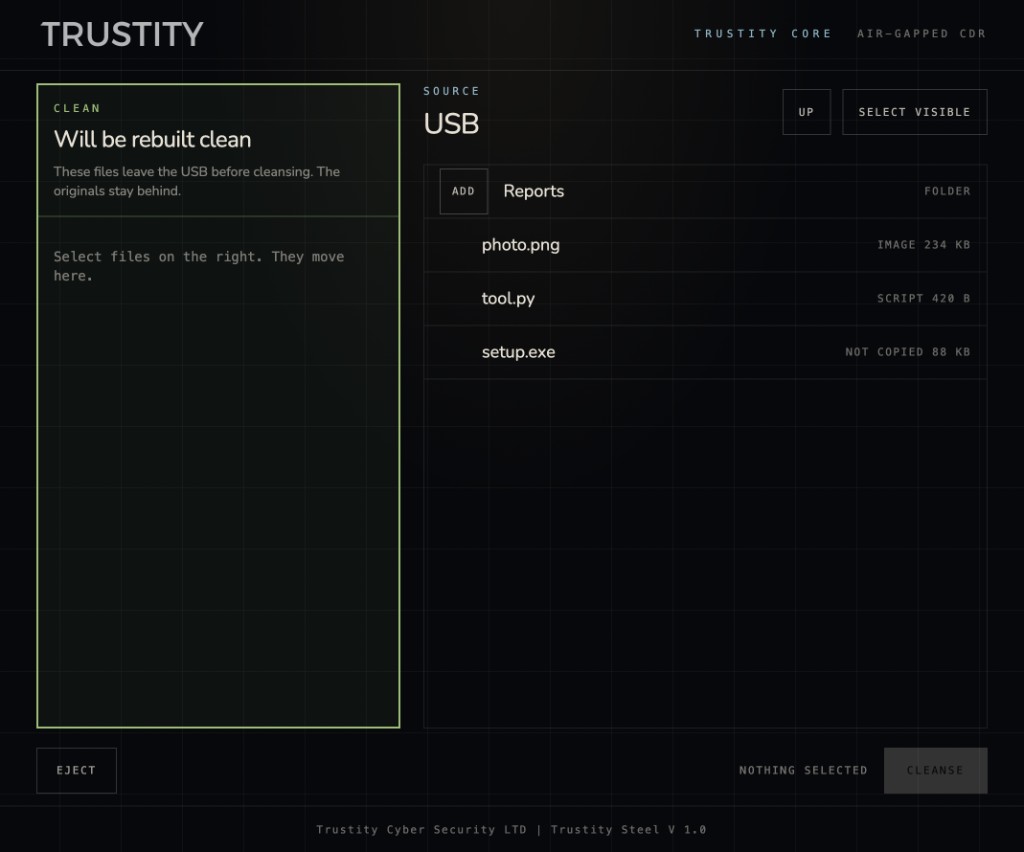
Images and scripts can be added. A program such as setup.exe is listed as not copied and has no add button. Cleansing stays disabled while nothing is selected.
- Start cleansing. Steel copies the selection into memory and asks for the source USB to be removed. Cleansing does not start until that drive is gone.
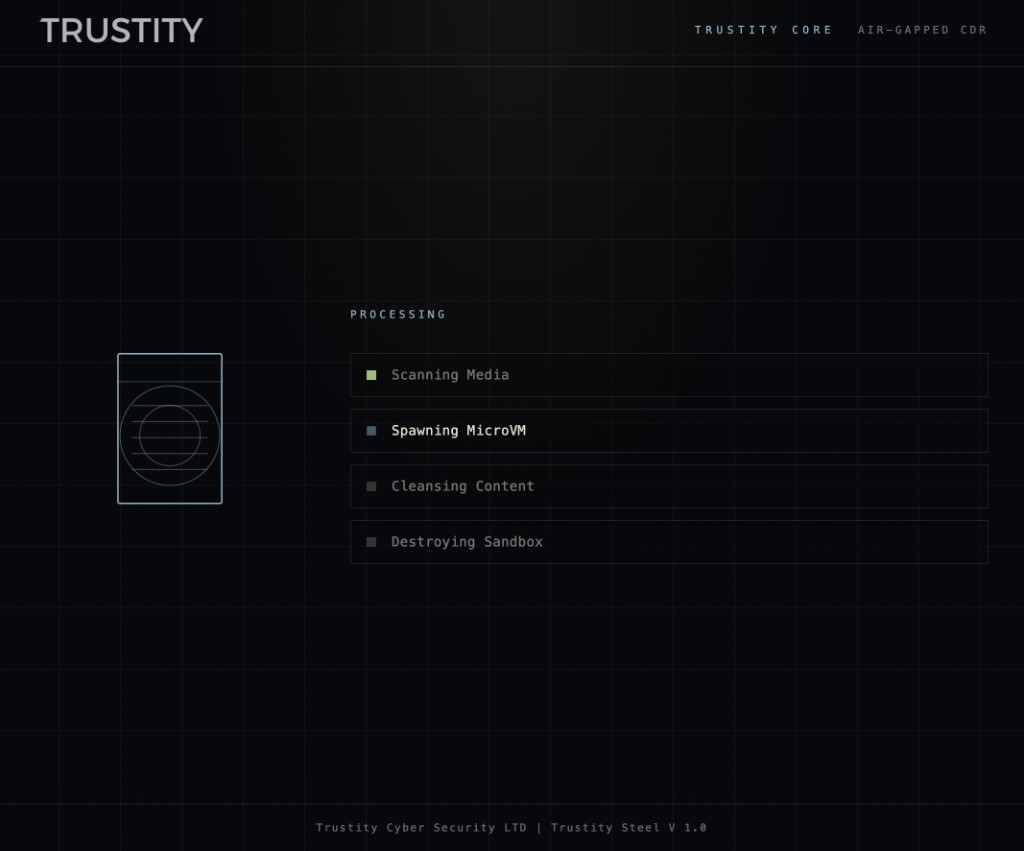
The work runs in a disposable microVM. That virtual machine does not mount the USB drive and has no network interface. When the rebuilt file is back, the sandbox is destroyed.
- Insert a different USB. Steel refuses the same physical drive. Clean files and the scan report are written there.
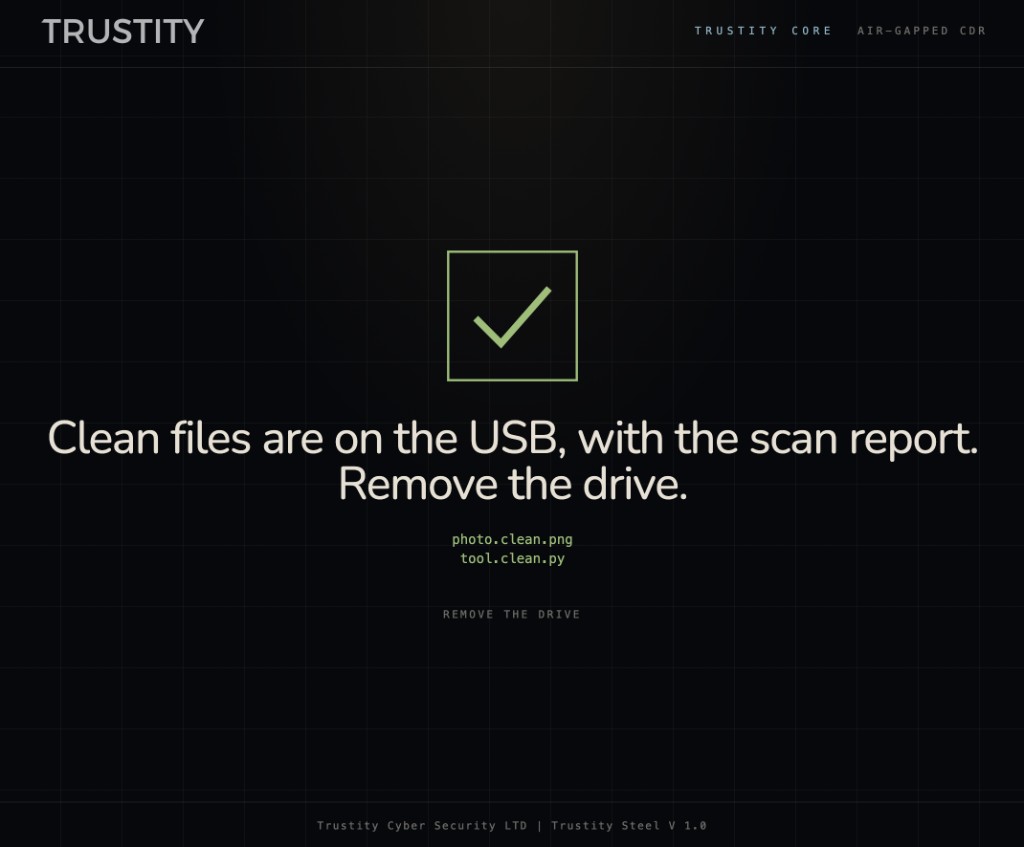
A PNG stays a PNG. A Python file stays a Python file. The clean names make the rebuilt copies easy to tell apart from the originals. Remove the drive when the screen says so. The appliance does not keep the copies.
What is rebuilt
- Documents, images, and scripts are rebuilt in their own format.
- Word, Excel, and PowerPoint files that contain macros are rebuilt as the modern Office format without the macros.
- HTML, SVG, XML, email, and flat OpenDocument files keep their language. Script blocks, style blocks, and event handlers are removed.
- The scan report lists what was kept and what was left out. When the operator leaves Include the scan report on, Steel writes
trustity-scan.txtnext to the clean files.
What is not copied
Programs are not rebuilt and are not written to the clean drive. Archives and documents are in scope. An executable is shown so the operator can see it, then left behind.
Where the clean files go
One destination per round, after the source USB is removed.
- Another USB. Steel refuses the same physical drive. The screen then says to remove the drive.
- Network drive. This choice appears only when a share was prepared on the appliance. The operator types a name. Clean files, and the scan report when it is included, are placed in a folder with that name. The share opens with the service account configured on the machine. The typed name is the folder, not the login.
- Disc. When a writable disc is in the burner, Write to disc appears. A rewritable disc that already holds data is erased first. The screen then says to remove the disc.
After a successful write, the copies are removed from the machine.