
Overview
Operate Trustity Element on a kiosk or on a computer that stays on. Rebuild files in their original format, or carry them sealed to that machine.
Overview
Trustity Element is software for moving files across an air gap. Install it on a kiosk, or on a computer that stays on. Files arrive on a USB drive. Element rebuilds each selected file in its original format, then writes the clean copies to a destination you choose. A scan report can travel with those copies.
Element does not need a network connection to rebuild a file.
Transfer a set of files
- Insert the source USB drive. Element waits on this screen until a drive is present.
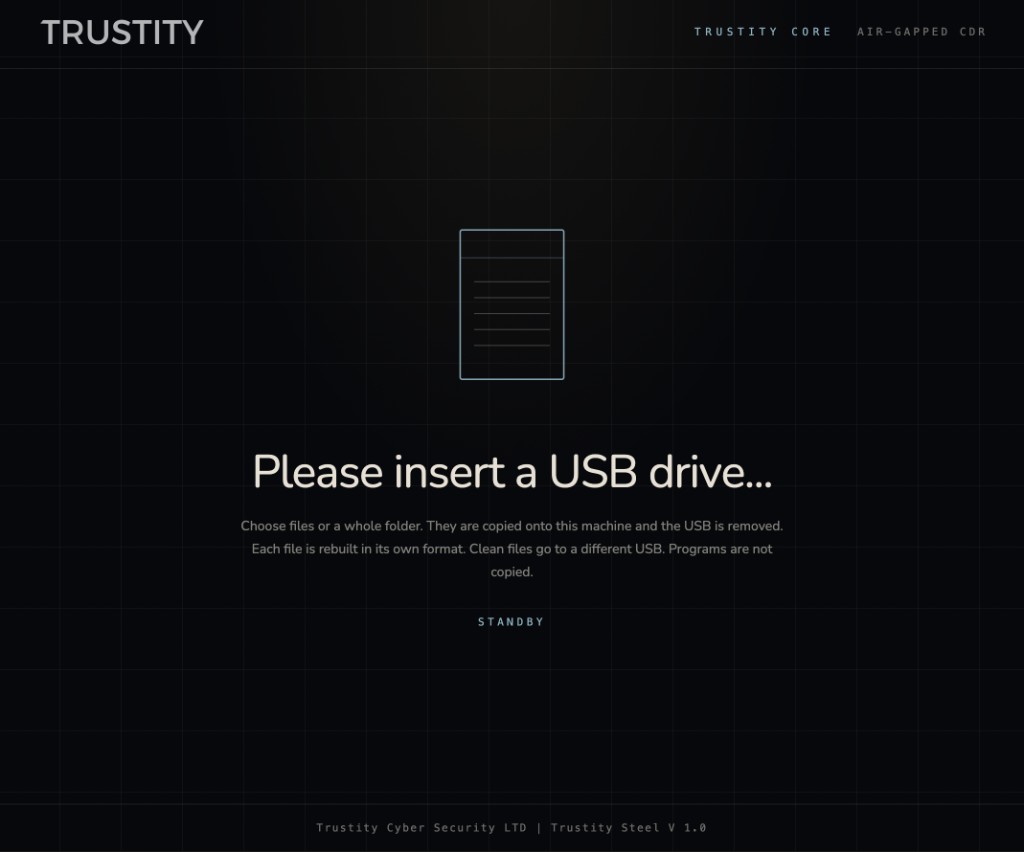
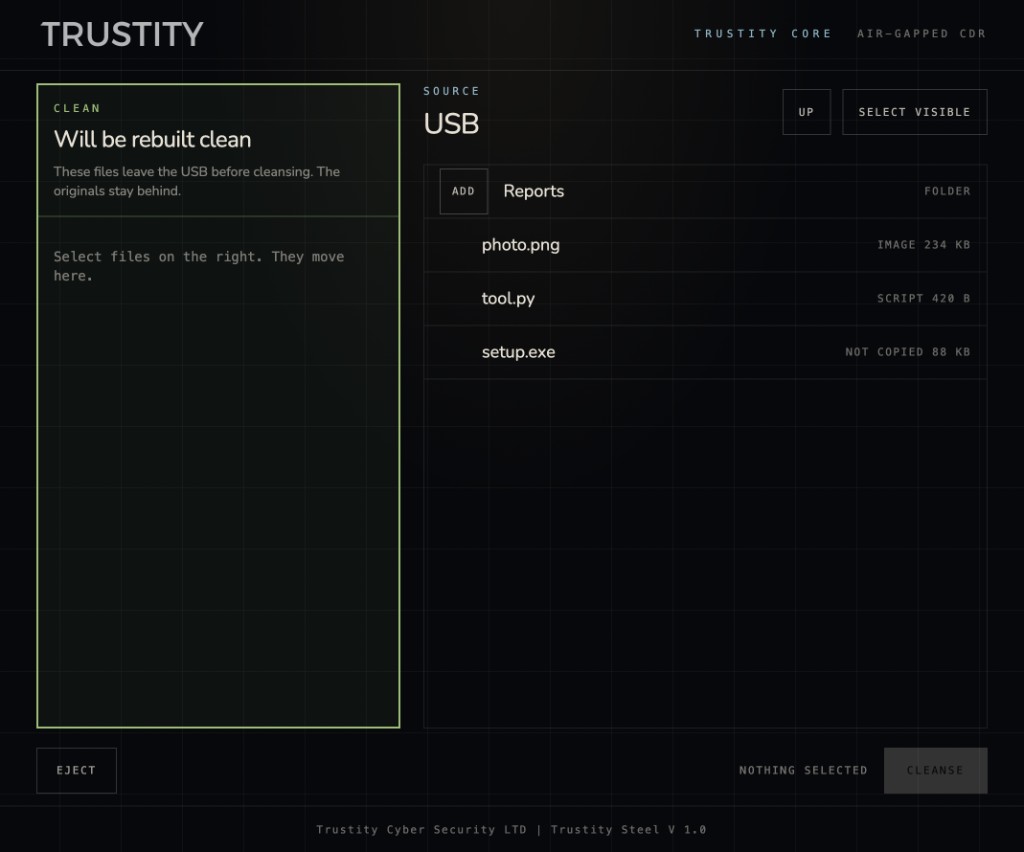
- Choose files or a folder. Selected items are set aside to be rebuilt. The originals remain on the source drive. Programs are listed on that drive and are left there. Reconstruction starts only after at least one file is selected.
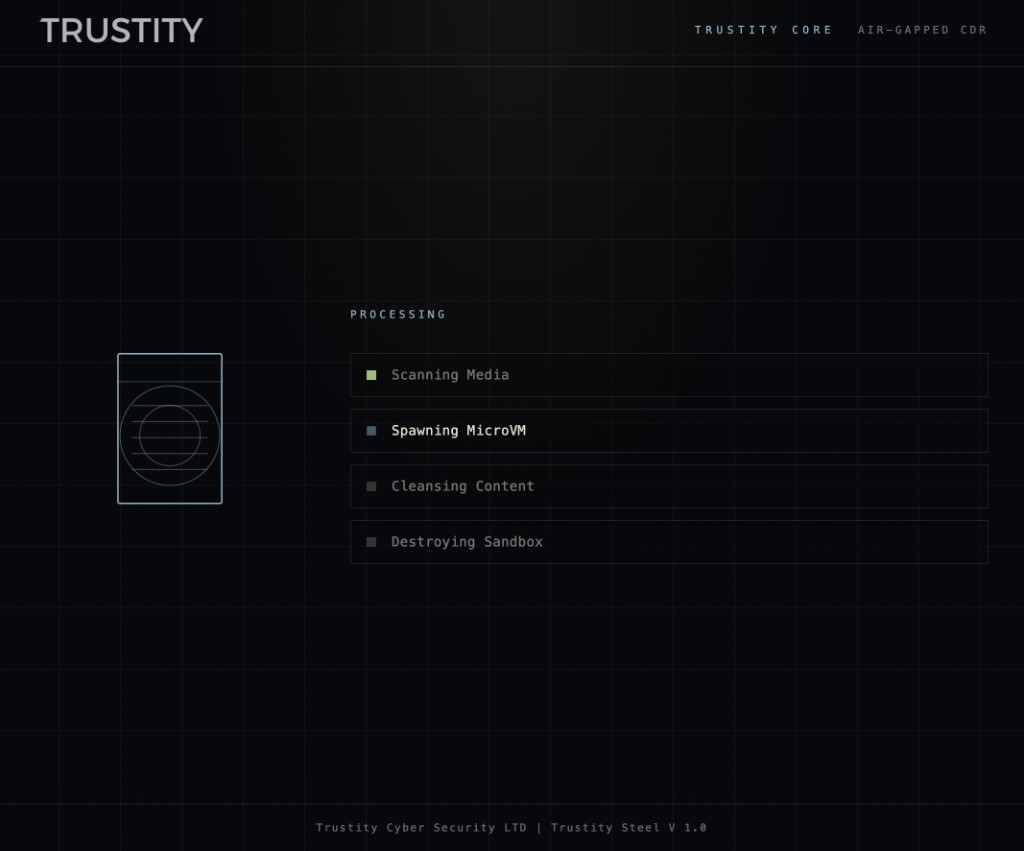
- Remove the source drive when Element asks. Reconstruction starts after that drive is gone. Element scans the media, rebuilds the content in an isolated environment, and discards that environment when the files are ready.
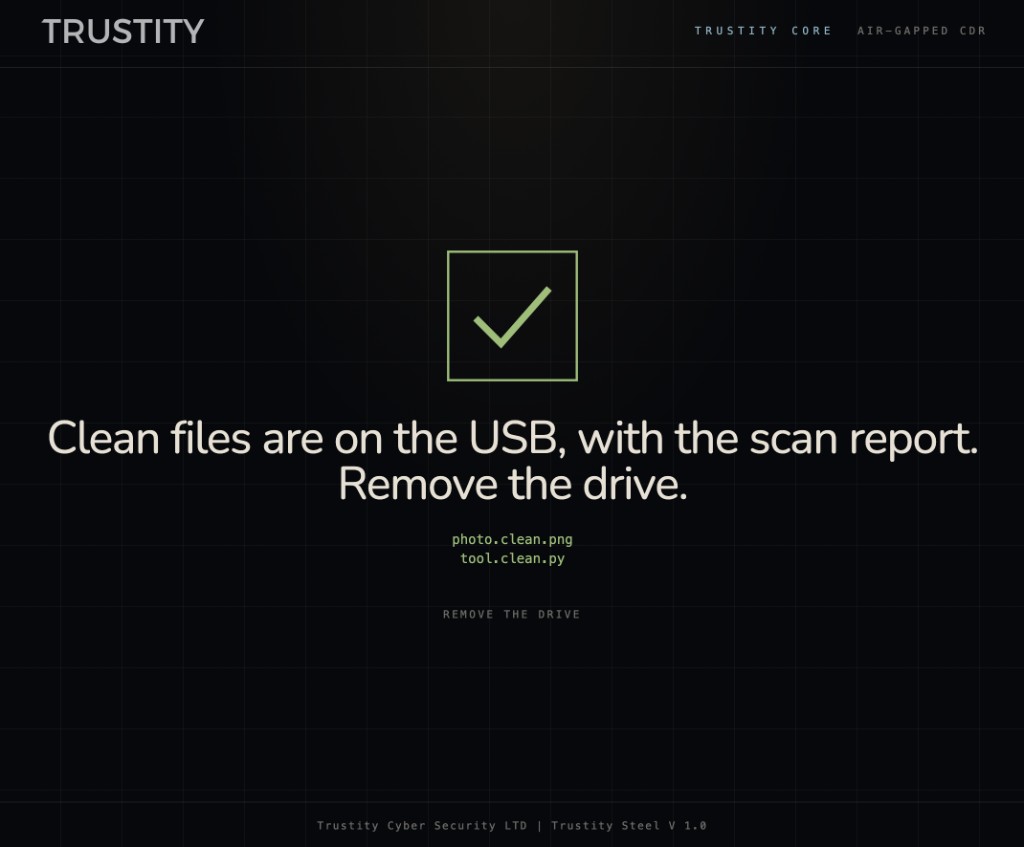
- Send the clean files to the destination. When the transfer finishes, remove the media Element names on screen. The computer does not keep the copies.
What is rebuilt
- Documents, images, and scripts are rebuilt in their original format.
- Word, Excel, and PowerPoint files that contain macros are rebuilt as modern Office files without those macros.
- HTML, SVG, XML, email, and flat OpenDocument files keep their content. Scripts, style blocks, and event handlers are removed.
- The scan report lists what was kept and what was removed. Leave Include the scan report selected to write
trustity-scan.txtbeside the clean files.
Where clean files can go
Choose one destination for each transfer, after the source USB drive has been removed.
- Another USB drive. Element accepts a different drive from the one that brought the files in. Remove it when the screen says the files are ready.
- Network folder. This option is available when a network drive has been prepared on the computer. Enter the folder name on screen. Element places the clean files, and the scan report when it is included, in that folder.
- Disc. When a writable disc is in the drive, Write to disc is available. A rewritable disc that already contains data is erased before the new files are written. Remove the disc when Element says the write is complete.
Sealed to the machine
Trustity Element can also carry a file bound to the computer it runs on. The file is encrypted with that machine's TPM. Only that computer can open it.